Confidence with digital making
Large touch controls and a ready-made story let a young child participate without needing to read or type fluently.
Children enter connected story worlds, meet memorable characters and solve each scene with colourful blocks that read like sentences. Tiny Star Village is ready to play now.
For parents: Your child learns that a screen does not respond by magic: instructions have an order, taps trigger actions and one changed block creates one changed result.
Play the blocks demo
Story Blocks is a library of programmable adventures. Each collection keeps its own characters and story arc, while the block challenges grow from simple order and events toward choices, repetition and longer plans.

Bring back the morning light.
Meet Lumi and Tuan Tuan, then repair the instructions that wake each part of the village. Eight scenes are ready to play inside one six-chapter story collection.
View collection →
Solve each challenge on the road west.
A future collection inspired by the public-domain Chinese classic, following the journey in story order with new block-programming challenges for young children.
View collection →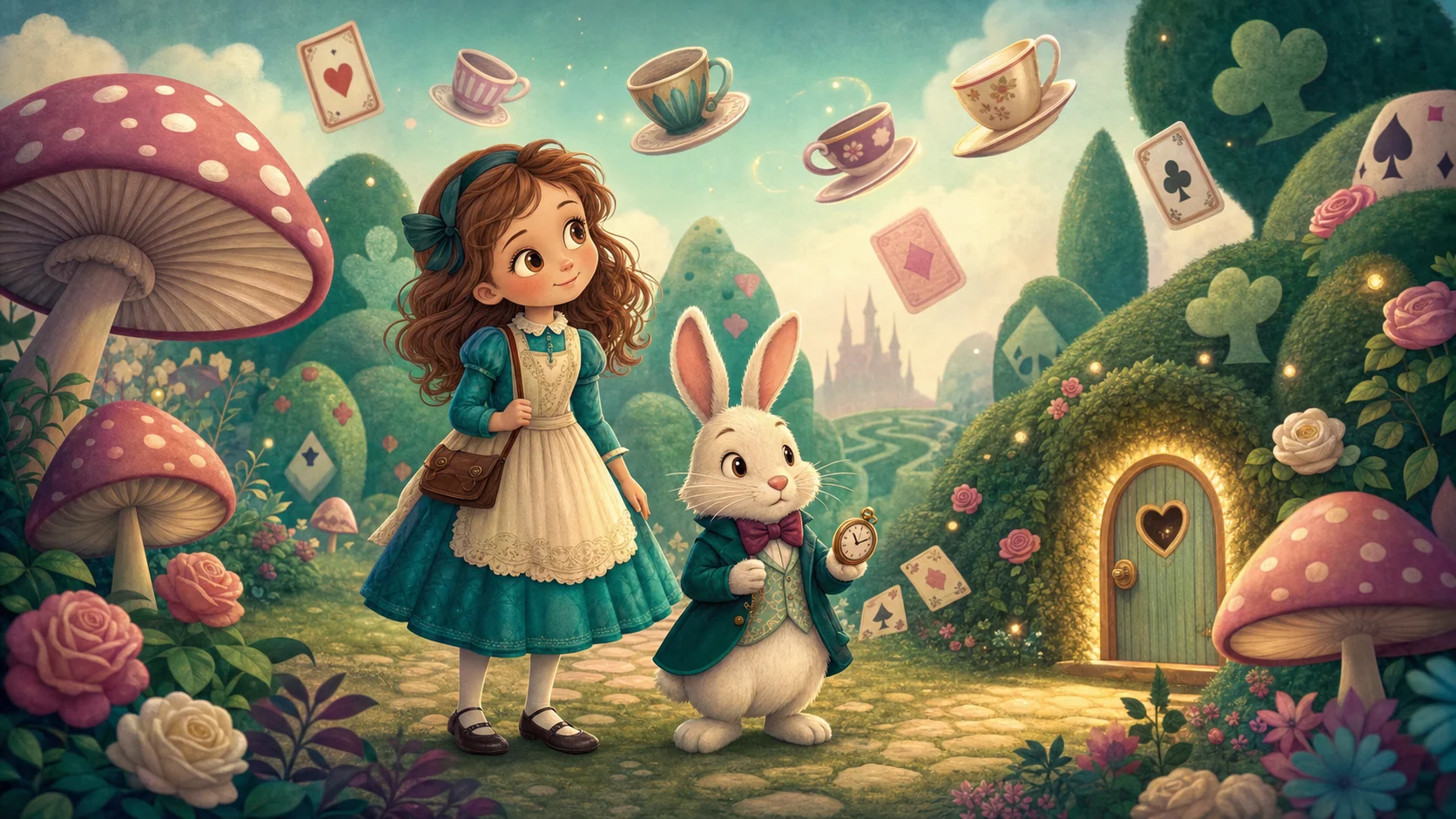
Read the classic. Code what happens next.
An interactive reading-and-coding journey inspired by the public-domain classic. Children follow Alice’s clues, understand why characters act, then use real blocks to make the next page happen.
View collection →“In development” collections are part of the curriculum plan and are not yet playable.
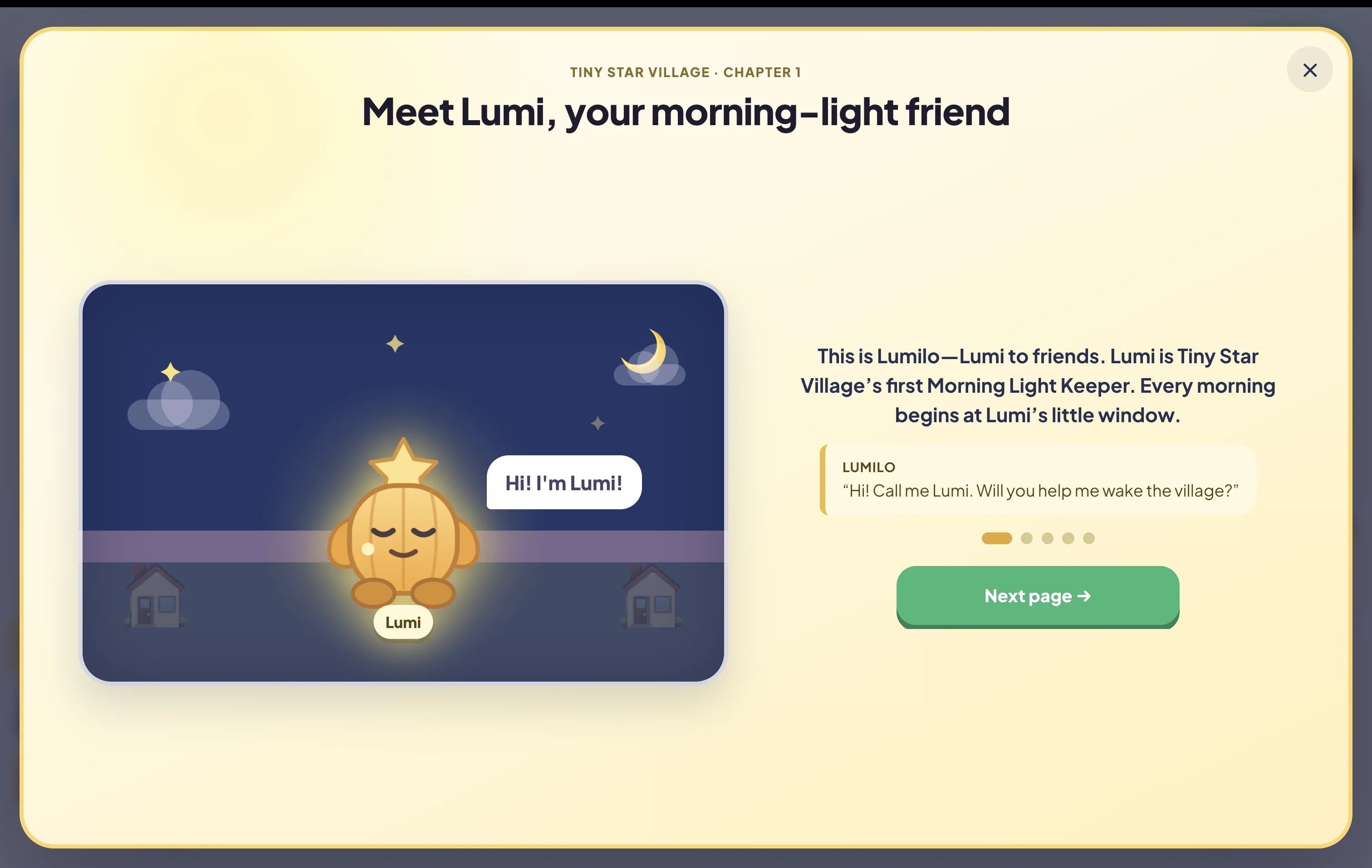
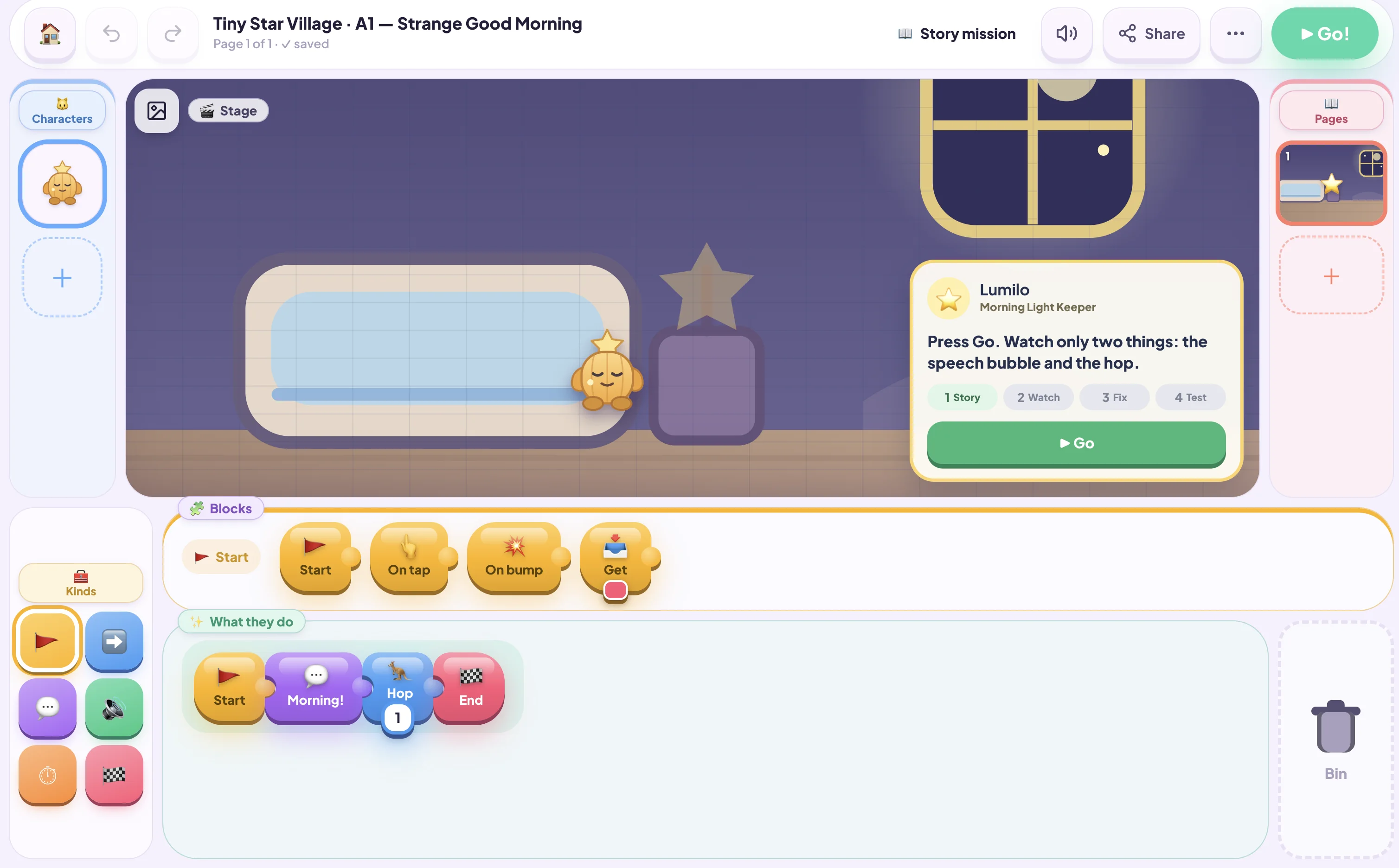
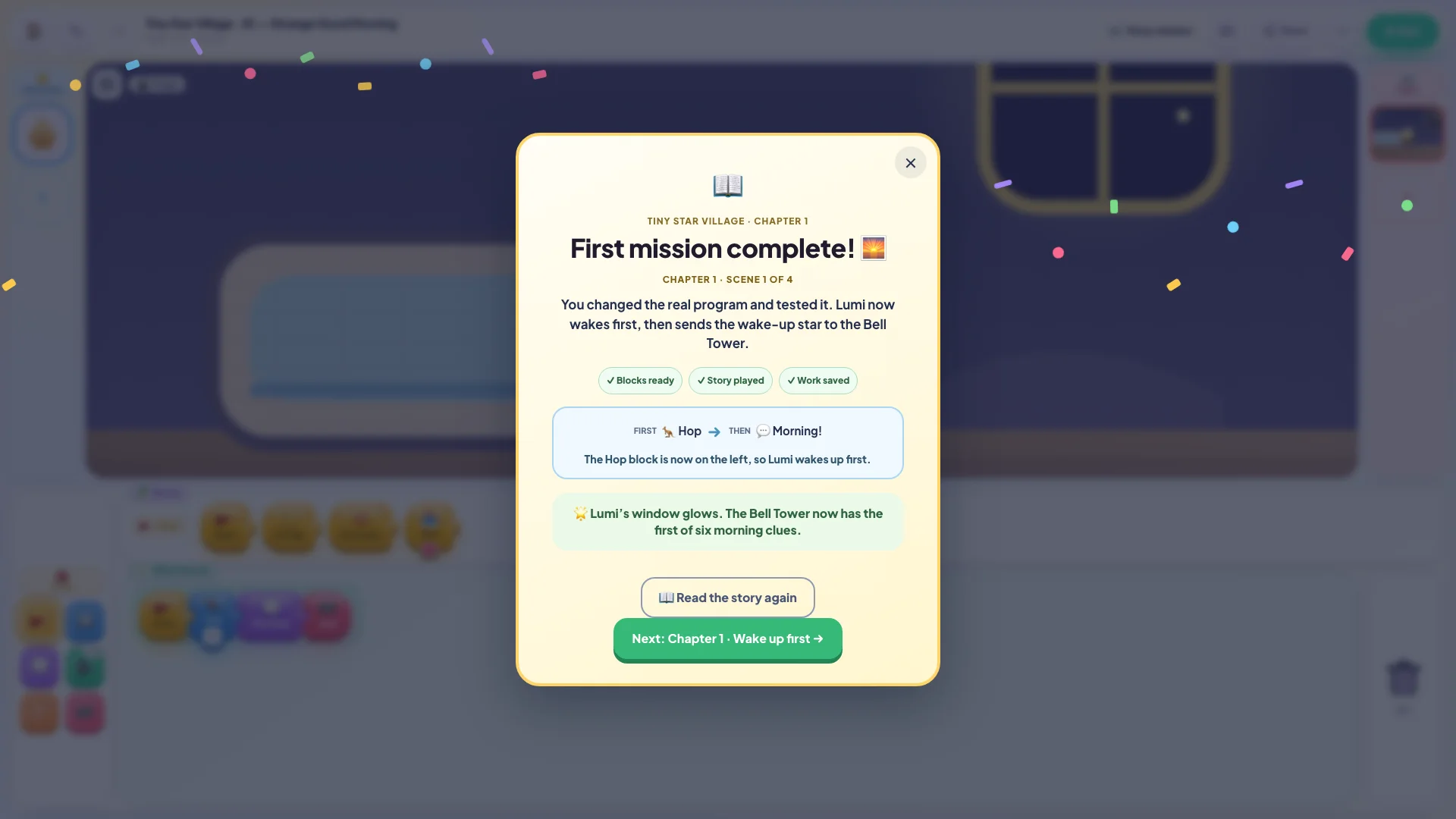
These are real Story Blocks screens from Tiny Star Village—not concept art. A child knows the character, understands the mission, changes the program and sees exactly why the scene is complete.
Children can see the whole adventure and return to the next scene.
A full story introduction explains who needs help and why the mission matters.
The child watches, fixes one block, runs the story and checks the result.
Success appears only after the program is correct, played and saved.
This is not screen time added for its own sake. It is a practical environment for children to make decisions, see consequences and explain what they created.
Large touch controls and a ready-made story let a young child participate without needing to read or type fluently.
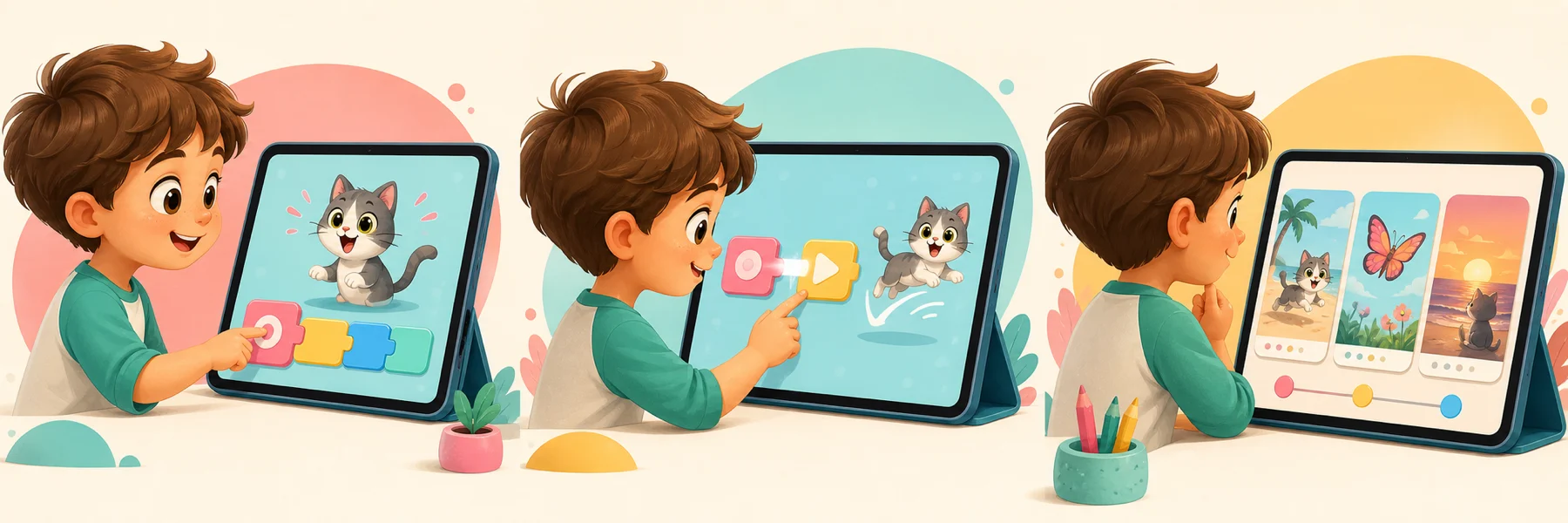
“When this happens, do that” gives the child a simple sentence pattern for sequences and events.
Multiple characters and pages help the child hold a longer sequence in mind, predict outcomes and organise a beginning, middle and end.
Lumi runs start, speak and hop blocks from left to right.
What you can notice: You can ask, “What will Lumi do next?” and hear the child read the logic aloud.
The story coach points to one visible problem without giving away the answer.
What you can notice: The child predicts the result, changes one block and checks whether the story now makes sense.
Change a number, move blocks between tracks or undo in one tap.
What you can notice: Small experiments feel safe because every action is visible and reversible.
Each successful scene reveals the next part of a connected chapter path.
What you can notice: The finished mission gives the child something complete to replay, retell and explain.
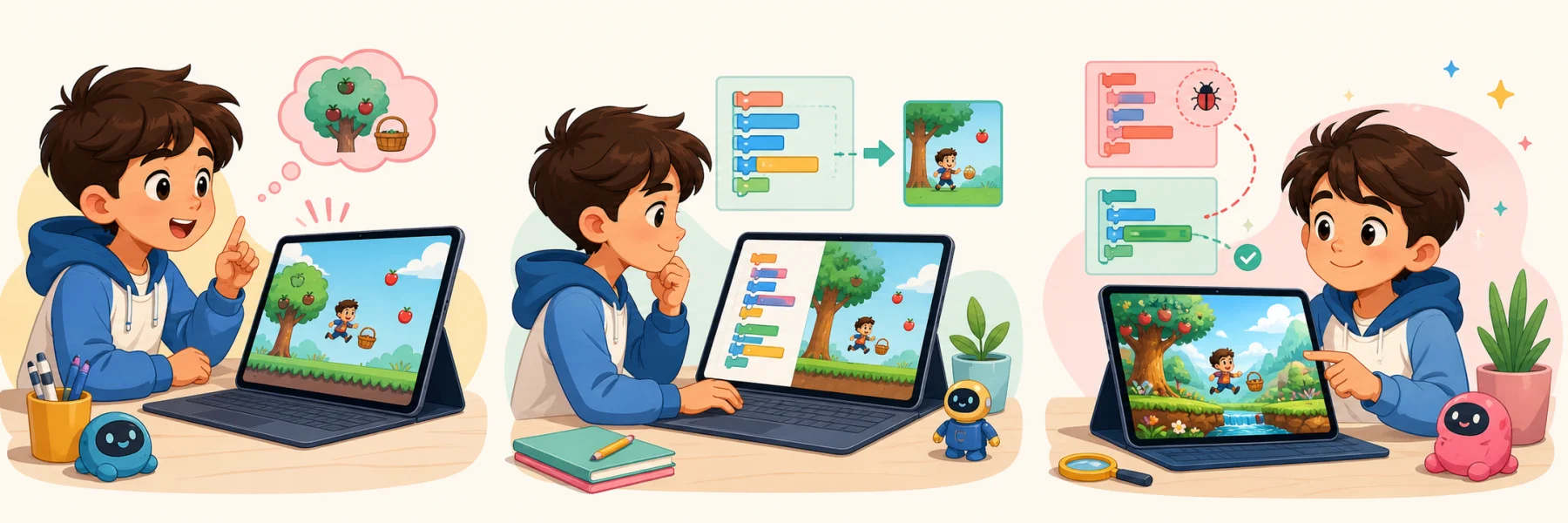
A concept illustration of the experiment loop children practise in Story Blocks.
Read instructions in order from left to right.
Use Go, character taps and messages to start new actions.
See actions repeat forever or wait before the next step.
Connect characters, dialogue and page changes into a beginning, middle and end.
You do not have to judge learning by screen time. Ask your child to show, change and explain their creation.
The product makes ideas visible. The teacher turns those moments into questions, predictions and explanations.
The product makes sharing and autonomy visible instead of hiding them behind a generic “kids-safe” label.
The free demo and a signed-in learning account are different. We spell out both so families know what happens before a child starts.
Blocks, characters, pages and story changes
Demo: memory only · No AI conversation
Review · approve sharing · export · delete · pause
Story Blocks has no AI chatbot, so a young child is not sending prompts or receiving generated chat responses inside this product.
The demo story and edits stay in memory, make no project requests to the Airbotix backend and reset when the page reloads.
A child cannot publish alone. The sharing flow asks a grown-up before creating a play-only link, and that link can be switched off.
When used as part of the Learn experience, saved work and progress are handled under the Family Account and Airbotix Privacy Policy, with parent access and deletion rights.
Read the complete Privacy Policy and Parental Consent.
No. Colour, position, icons and immediate animation all support the words. A teacher can read the short labels aloud while the child learns the left-to-right pattern.
No. Story Blocks is a direct, touch-first programming environment. Children control the story by arranging and changing blocks.
The interface is playful, but the ideas are real: sequences, events, messages, loops, timing and page logic. The child can see each instruction run on the stage.
They can change the block, drag it away or tap Undo. The goal is to make experimenting feel safe and reversible.
No signup. Follow the guided tour, then explore the real studio.
Play the blocks demo